

Salesforce Sync - Conversion vs. HubSpot
This post breaks down how Salesforce syncing actually works in HubSpot versus Conversion, and why the differences matter for enterprise teams. It walks through campaign syncing, de-duplication, inclusion lists, workflow actions, and sync visibility to show how Conversion is designed for Salesforce-first organizations, while HubSpot’s sync reflects limitations of a HubSpot-centric data model.

Introduction
HubSpot is a leading GTM platform for SMBs looking to consolidate their CRM, marketing, service, and operations tools in one place. HubSpot's marketing automation product was designed to work natively with their own CRM, making it a natural fit for teams operating entirely within the HubSpot ecosystem. However, teams that use Salesforce as their CRM alongside HubSpot Marketing Hub often find that the sync between the two platforms has limitations, largely because HubSpot's sync architecture was optimized for its own data model. Conversion has built an enterprise-grade Salesforce sync as part of a flexible data model, designed specifically to meet the needs of fast-growing enterprises that depend on Salesforce as their system of record.
Salesforce Campaign Syncing
Conversion supports the concept of a "Campaign," similar to Marketo Programs. Campaigns are an enterprise-grade feature that lets you organize assets, such as workflows, forms, and emails around a specific marketing initiative, and sync them directly with Salesforce campaigns. When you create a campaign and connect it to Salesforce, Conversion automatically creates the corresponding Salesforce campaign and maintains a continuous two-way sync of members, campaign statuses, and campaign member fields.
HubSpot also offers a campaigns feature, though it's designed primarily to group and organize marketing assets rather than to sync with Salesforce campaigns. HubSpot campaigns do not support bidirectional member or status sync with Salesforce.
Many enterprise marketing teams rely on Salesforce campaigns for revenue reporting and marketing attribution. Conversion's tight, bidirectional sync with Salesforce campaigns is built with this use case in mind.
De-Duplication
HubSpot's Salesforce sync de-duplicates records based on email address. In practice, this means scenarios where the same email is associated with both a lead and a contact in Salesforce can result in records being merged, blocked from syncing, or dropped.
Conversion takes a different approach by treating Salesforce as the system of record and identifying leads and contacts by their Salesforce Record ID. This maintains a true 1:1 relationship between every Salesforce record and its counterpart in Conversion, and gives users full control over when and how contacts are merged or de-duplicated. If a lead and a contact share the same email in Salesforce, Conversion will update both records independently rather than collapsing them into one.
Sync Rules and Inclusion Lists
HubSpot uses inclusion lists to control which contacts are eligible to sync to Salesforce. Contacts that don't meet the defined criteria, or that fall out of an inclusion list over time, won't sync, which can create gaps between marketing engagement data and sales visibility.
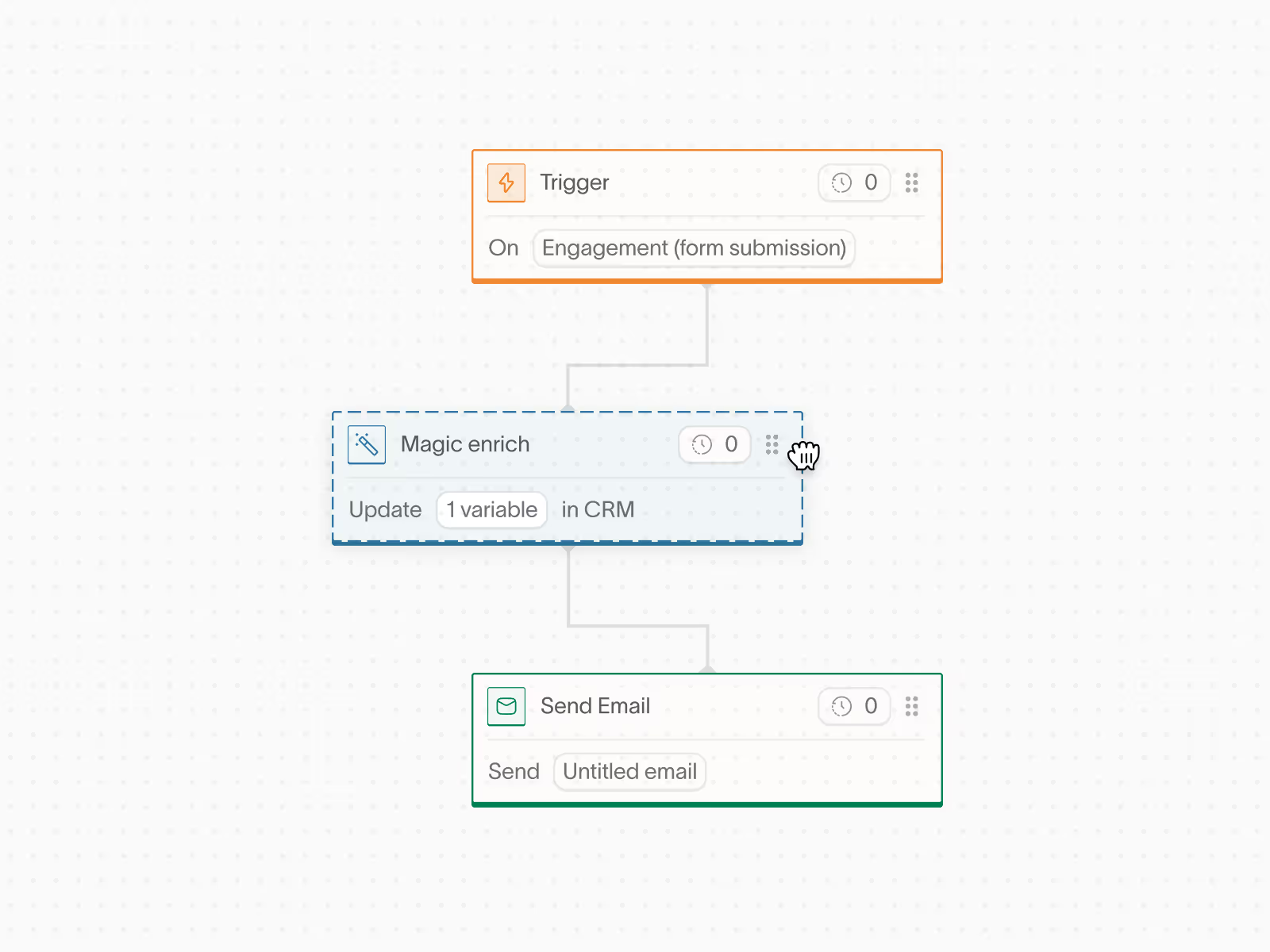
Conversion offers more granular control over sync rules across the entire platform. Sync settings can be configured at the global level (for example, automatically creating a new contact in Salesforce whenever one is created in Conversion) or at a more specific level. Individual forms and CSV imports can each have their own sync configuration, and workflows can include dedicated "Sync to CRM" nodes that let you conditionally sync contacts based on enrichment logic. For instance, you could configure a workflow to exclude contacts who submitted a personal Gmail address from syncing to your CRM.
This flexibility means sync behavior can be tailored to your team's processes rather than managed through a single, centralized list.
Native Salesforce Actions in Workflows
Within Conversion workflows, you can perform Salesforce-specific actions to support your sales processes, including:
- Linking a contact to an existing Salesforce campaign
- Creating a Salesforce task
- Converting a lead to a contact
These actions allow marketing and revenue operations teams to trigger sales workflows directly from within Conversion, without needing to leave the platform or rely on manual steps in Salesforce.
Sync Audit Logs
Conversion includes a built-in audit log that continuously monitors the health of your Salesforce sync. You can view a complete history of all inbound (Salesforce → Conversion) and outbound (Conversion → Salesforce) sync events, including the status of each record and the reason for any failures. This visibility makes it straightforward to diagnose and resolve sync issues quickly, giving operations teams confidence that their data is staying in sync as expected.
More from the Wayfinder

Turn Every Form Fill-Out Into Your Next Customer
Trigger personalized emails and actions based on real-time behavior, not static lists.

.png)