
ON24 and Zuddl event sync
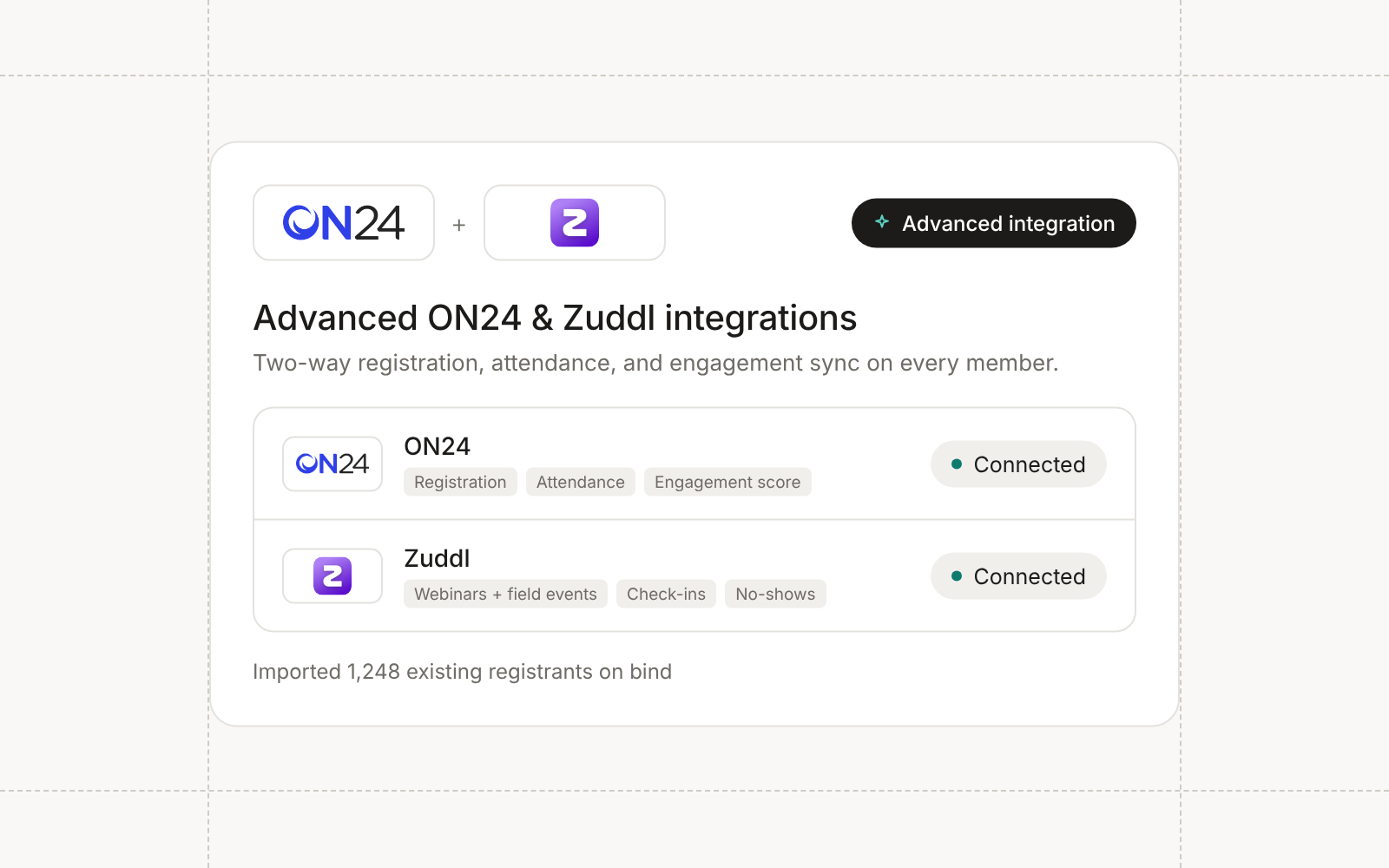
ON24 joins Zoom, Goldcast, Sequel.io, and Wistia as a webinar provider. Connect it from Settings → Integrations with a Client ID and access token, and Conversion detects whether your account is in the US or EU region. Members moved to Registered are registered on ON24 and get a link that signs them straight into the event’s audience page, and registrations made on ON24’s own page come in every six hours.
Attendance syncs for 48 hours after the session ends. Live viewers become Attended, replay viewers become Attended On-Demand, and each attendee’s join time, leave time, and minutes watched land on their member record. ON24’s Company, Job Title, Work Phone, and Country questions come mapped, each event’s custom questions are ready to map, and Engagement Score and live and on-demand minutes can fill campaign member fields.
Zuddl webinars and field events
One Zuddl connection serves both webinars and field events. Paste a backend API key and Conversion finds your region. Zuddl webinars and virtual events bind to Conversion webinars, where registering a member registers them on Zuddl and saves their personal sign-in link. In-person and hybrid events bind to field events. Registrations, check-ins, and no-shows sync back, and registration questions can fill contact, company, and campaign member fields.
ON24 and Zuddl are enabled per workspace, so contact your Conversion team to turn them on.
Existing registrants import on bind
Binding a webinar or field event to a provider event now imports everyone already registered there right away, with their current statuses, for every provider that can list registrants. An event bound late, or after its sync window closed, no longer misses its earlier sign-ups.
Right-click and drag in asset lists
Asset lists work like the sidebar. Right-click any row in Forms, Workflows, Campaigns, Audiences, Landing pages, folder pages, and other lists to open its menu, which now starts with Open in new tab and Copy link. Editors can drag a row onto a folder, campaign, webinar, or field event to move it, following the same nesting rules as the Move dialog.
Improvements
- Campaigns Webinar statuses only move forward by outcome, so a late no-show report or a replay view can no longer demote someone who attended live.
- Campaigns Field events stop syncing seven days after their end time, and webinars keep syncing for 48 hours after they end, however long the session runs.
- CRM Sync Linking a campaign, webinar, field event, or ad campaign to an existing Salesforce campaign checks that both sides have the same member statuses, and shows the mismatch instead of letting statuses fall back to Salesforce’s default.
- Email The
field_eventLiquid drop exposes the nearest field event’s name, provider, and custom fields such as venue and start time, the same waywebinarandcustom_campaigndo. - Email Admins can delete an email domain from Settings → Email configuration once it has no senders and no tracking domain built on it.
- Agents Agents can update field values on up to 50 contacts, companies, or campaign members at once, and set member statuses in bulk without needing approval for every other campaign edit.
- Admin Invitations expire after seven days with a clear message on the expired link, and the Invite dialog stops you from inviting an existing member or someone with a pending invitation.
Fixes
- Automations A condition that runs after an Update field or Enrich node reads the new value instead of the old one.
- Forms Meta lead gen test leads appear in the form’s Submissions tab as Unknown contact instead of not showing at all.
- Forms Tracking a form found from an untracked submission no longer fails with a permission error.
- Campaigns Webinar and field event syncs fill a contact’s first and last name only when they’re empty, instead of renaming the contact, and Luma full names are no longer dropped.
- Campaigns The built-in campaign Name field mirrors the campaign’s name, so filters and Liquid that read it are no longer blank.