Skip to main content Event Sunset cruise at Dreamforce 2026
Changelog / 2026 18 updates

What's new

The latest Conversion releases and fixes.

LinkedIn and Meta lead gen forms

LinkedIn and Meta lead gen forms

LinkedIn and Meta lead gen submissions now arrive in Conversion as native form submissions. They hit the same identity resolution, the same workflows, and the same attribution as a form filled out on your own site.

LinkedIn submissions are deduplicated by lead id, which means a resubmission updates the contact instead of creating a second one.

Ads field mappings

Fields sent to ad providers are mapped explicitly rather than matched by name, so each ad account needs its mappings configured before submissions land on the right fields. That is what makes audience sync reliable when your field names do not match the provider’s.

Core object relationship fields

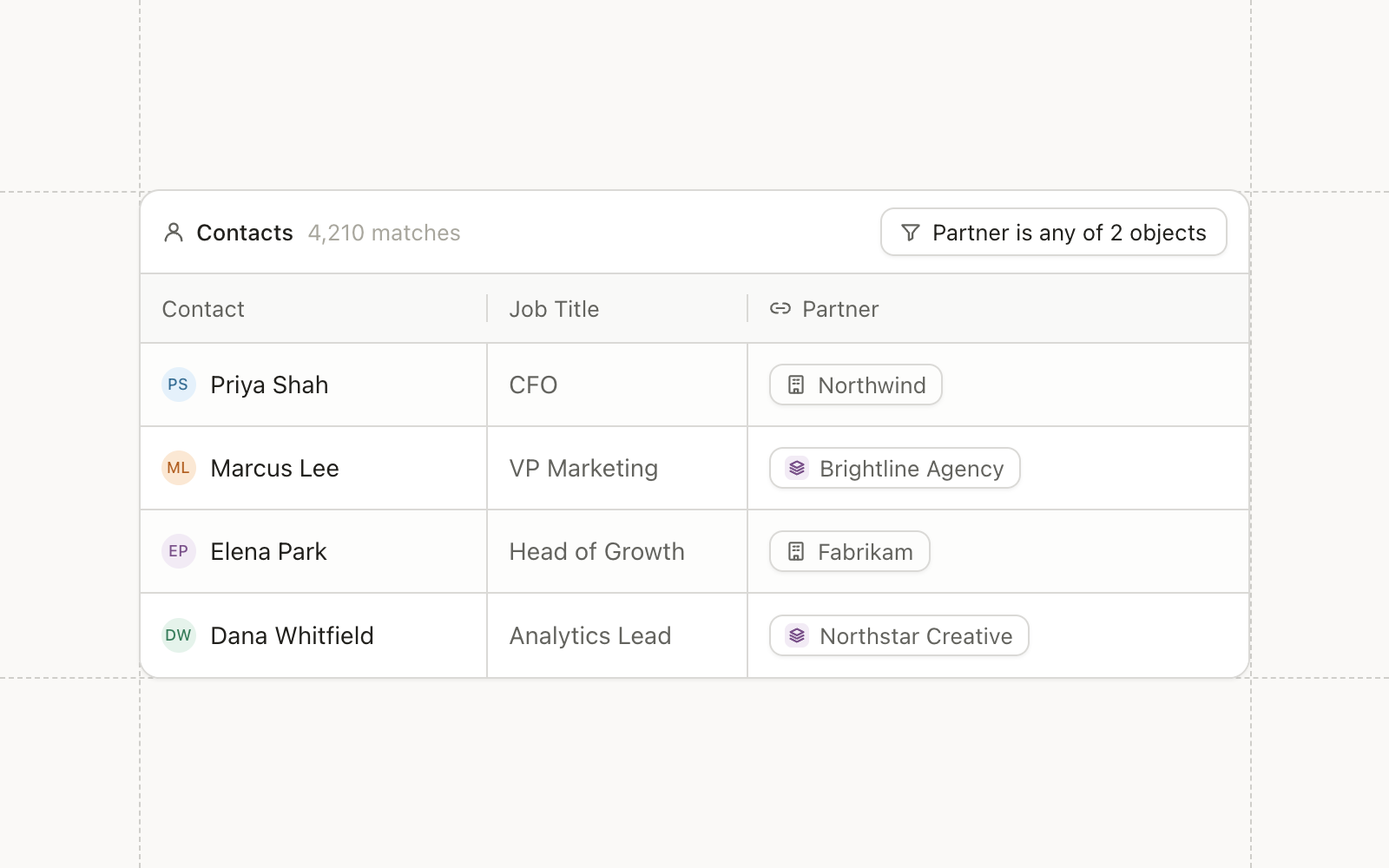
Contacts, companies, and opportunities have default relationship fields between them, including one-to-one relationships. Built-in company links are written as relationship values and edges, so the same traversal works whether a relationship is built-in or custom.

Improvements

  • Email Contacts can be marked unsubscribed through workflows and through the public API, not only by the recipient.
  • CRM Sync Campaign and event sync logs record more detail, with better fallbacks when a record cannot be matched.
  • Agents An agent can connect a webinar to its Salesforce campaign.
  • Integrations Slack messages support rich text blocks.

Fixes

  • Agents Fixed agent chat stopping partway through a thinking response.
  • Forms The submission source page shows the full URL rather than the path.

Global search

Global search

Search now covers every object and asset in the workspace: contacts, companies, opportunities, custom object records, emails, templates, forms, workflows, audiences, and files. One query reaches all of them, from the search box or the command menu.

Built for enterprise volume

Indexing runs off the change stream rather than on a schedule, so a record that changes is searchable in seconds instead of after the next rebuild. Index freshness is measured and alerted on.

Write endpoints have a concurrency limiter, so a bulk import cannot starve interactive search.

Agents search too

The same search is exposed as an agent tool. An agent asked about a contact no longer needs the exact identifier, which removes the most common reason a run failed against a real workspace.

Improvements

  • Search Test and sample records are kept out of the index.
  • Search Custom object definitions are searchable alongside records.

The HTTP request node, and multi-model agents

The HTTP request node, and multi-model agents

A workflow can now call any HTTP endpoint and map the response back onto contact fields. Enrichment providers, internal services, and anything else with an API are reachable without waiting for a native integration.

Requests go through a secure proxy, so a user-supplied URL cannot be pointed at internal infrastructure.

Zoom webinars

Zoom joins Sequel.io and Goldcast as a webinar provider, on the same registrant sync path. Ended webinars are swept hourly, and deauthorizing the app removes the bridge and the stored tokens.

Field scoping on manual syncs

A manual Salesforce sync can be scoped to specific fields. Resyncing one field no longer means resyncing the whole object.

Salesforce created date is registered as a system field, so it can be segmented on directly, and opportunities carry a create time variable schema.

Improvements

  • Automations Criteria evaluation runs once per business rather than once per contact, which cuts evaluation time substantially on large workspaces.
  • Automations The sync planner is the only inbound Salesforce scheduling path, removing a class of duplicate runs.
  • Data Model Relationship fields work in Liquid, on custom object records and built-in objects alike.
  • Email Workspace theme padding is removed, so themes control spacing rather than fighting it.
  • Campaigns Campaign statuses can be hidden rather than reassigned.

Fixes

  • Forms Lead gen form submissions carry the correct field labels.
  • Automations The trigger node survives a full-graph replace.
  • Search Name search is ranked alongside the text blob on every lexical path.

Global email themes

Themes are managed at the workspace level now. Set typography, colors, and spacing once and every email inherits them. Editing a theme updates the emails using it, so a rebrand is one change rather than a migration.

Custom object settings

Custom objects now carry their own settings page and appearance controls, and sit in the sidebar alongside the built-in objects using the same appearance picker.

Objects sync in from Salesforce with a unique constraint on the Salesforce id, which means two concurrent syncs cannot produce a duplicate record.

Agents can edit workflows

An agent can now modify a workflow directly, not only describe one. Campaign token values can be read and written by an agent as well.

Improvements

  • Email Email processing uses HTMLRewriter instead of JSDOM, which cuts render time on large templates.
  • CRM Sync Standard Salesforce objects appear in the object list alongside custom ones.
  • Data Model Schema fetches are memoized during contact intersects, so large audience evaluations do their lookups once.
  • Forms Lead form pagination is cursor-based rather than offset-based.
  • Performance Resource cache reads are batched through Redis MGET.

Fixes

  • Reporting Fixed a phantom entity returned by batched cache reads.
  • Performance CSV export has enough memory to finish large exports.
  • Integrations Fixed the ads tracking switch.
  • Search Filterable string attributes are capped to the index’s byte limit rather than failing the write.

AI Agents

Agents in Conversion are shared, triggerable from outside the product, and operate on your real objects with an approval step in front of anything they change.

Shared and multiplayer

An agent session belongs to the workspace rather than to whoever started it. A colleague can open the same session, see what the agent did and why, and pick up where it stopped.

Work an agent does is reviewable by the whole team rather than visible only to whoever prompted it.

Triggered from where you already work

Agents can be invoked from Linear and from Slack. A request that arrives as a ticket or a message becomes an agent run, and the result comes back in the same place. Nobody has to open Conversion to start the work.

One Slack workspace connects per business, and the OAuth connection status is visible from the agent settings.

Agents that edit

An agent can create and edit workflows, build audiences, and draft emails. Everything it produces arrives as an artifact you approve, so the failure mode is a rejected draft rather than a campaign sent to the wrong list.

Visit the docs for the full tool list.

Background jobs, and campaign types

Exports, imports, and large recalculations no longer hold a browser tab open. They run as jobs, report progress, and notify you when they finish.

Campaigns refactor

Campaign types were renamed and cleaned up, and field events joined webinars and sponsored events as a distinct type. Managed campaign types block manual status edits, which prevents a change being silently overwritten by the next provider sync.

Goldcast

Goldcast joins Sequel.io as a webinar provider. Registrants sync daily, join URLs resolve from the provider, and a webinar carries a name you choose rather than inheriting the provider’s title.

More agent models

Agents can run on OpenAI and DeepSeek models alongside the default. Agents can also create other agents through a create_agent tool available to chats and to MCP clients, and their skills are loaded from storage rather than compiled in, so an instruction set can change without a deploy.

Improvements

  • Search Global search is available from the command menu.
  • Agents Pending edits are stored so they survive across turns.
  • Agents An agent can move audiences into folders, and can send a link to a sync log.
  • Reporting Dashboard timezones follow the browser setting.

Fixes

  • Agents An agent re-reads an asset before editing it, so concurrent edits do not clobber each other.
  • Agents A superseded edit approval no longer reports as a failure.
  • Integrations The Goldcast join URL is read from the member list after a wait measured in minutes rather than seconds.
  • Email Columns without styles are allowed.
  • Campaigns Opening a campaign from folder view lands on the right tab.

Progressive profiling and UTM capture

Forms can now hide fields they already have answers for and show different fields based on what a visitor previously submitted. Conditional logic reads hidden fields too, so a value passed in from the page can drive what the form asks.

A first-time visitor and a returning one see different fields, and both forms stay short.

UTM capture

UTM parameters and the referrer are captured and stored on the submission itself. First touch source no longer depends on a hidden field somebody remembered to add, and it survives the gap between a visitor landing and converting.

The fields are documented in the forms API reference.

Background jobs

Slow operations run as jobs now. Exports, imports, and large recalculations are queued and tracked rather than holding a request open, so starting one does not tie up the page.

Improvements

  • Campaigns Public endpoints for campaign members, including a batch path and batch contact counts.
  • Campaigns Campaign type statuses live on the type object rather than being reassigned per campaign.
  • CRM Sync Outbound field changes are recorded in Salesforce sync logs.
  • Audiences The audiences view has a sortable created date.

Fixes

  • CRM Sync Salesforce task dates are formatted the way Salesforce expects.
  • Forms Conditional field visibility is stable across re-renders.
  • Email The SES event webhook returns a real HTTP status so retries behave.
  • Audiences Legacy operand statements are normalized rather than reported as validation errors.

Webinars

Webinars

Webinars are a campaign type now, with a provider behind them. Registrants sync in as campaign members carrying their status, and attendance updates the same record rather than creating a second one.

Connect a provider in Settings to start the sync. Sequel.io is the first one, authenticating through client credentials. Only the provider can assert a member’s registered status, which stops a workflow and a provider sync overwriting each other.

Webinars resolve onto contact and company timelines, so a registration shows up in the same place as every other engagement.

Recipient status

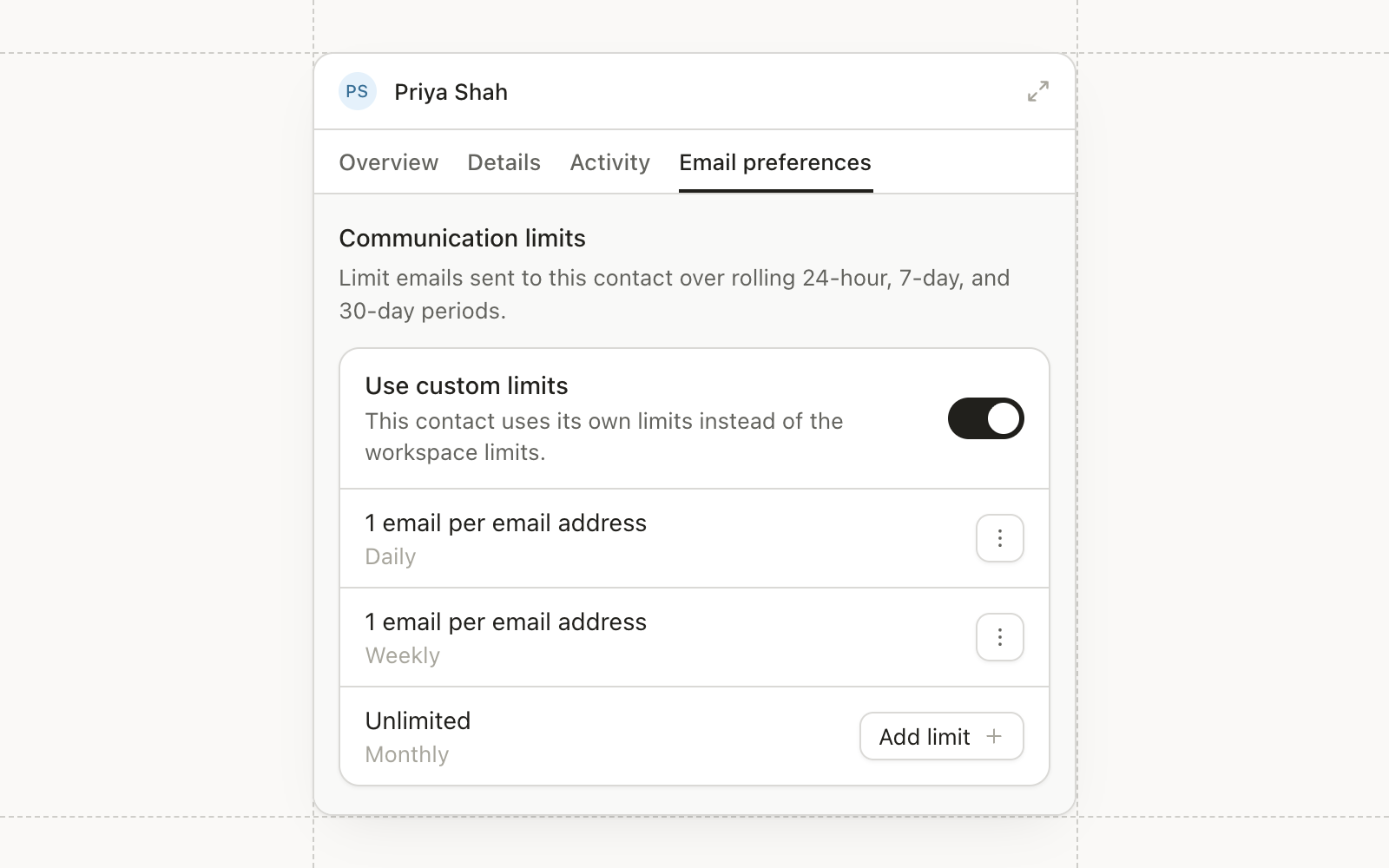
Recipient status was rebuilt to sit inside the core data model rather than beside it. Send eligibility, unsubscribes, and communication limits now resolve from one place, so a message that should not send does not send regardless of which path triggered it.

State updates are fenced, which removes a class of races where two concurrent updates could leave a recipient in the wrong state.

Improvements

  • Campaigns Campaign types can be archived.
  • Automations Recipient events can trigger a workflow.
  • Agents Chats and agents replace the older sessions endpoints, and triggers can start an agent session directly.
  • Admin Frontend service calls route through the core gateway, and the legacy authorization stack is removed.

Fixes

  • Email Fixed a deadlock on recipient upsert.
  • Campaigns Campaign counts use a plain statement rather than the joined list builder, which corrects totals on large workspaces.
  • Audiences Removed the ContainsAnyOf operator for text arrays, which produced misleading matches.

Artifacts and approvals

Artifacts and approvals

When an agent produces something, it now comes back as an artifact you approve rather than a change already made. Approve it and it lands. Reject it and nothing happened.

Pending edits are stored so they survive across turns, which means an agent can build something over several messages without losing work when the conversation gets long.

Redaction filtering

Field-level permissions now apply to what an agent can read. A user who cannot see a field does not get it back through chat.

Public Forms API

Form details and fields are available through v2 endpoints for listing and retrieval, which is what makes a custom form front end possible without scraping the embed.

Improvements

  • Audiences A subscription status attribute is available in statements.
  • Audiences Email bounce events, including the reason code, are exposed to statements and triggers.
  • Campaigns Opportunity contact role changes can trigger a workflow.
  • Campaigns CSV import can set campaign member status on the way in.
  • Integrations Webinars resolve onto contact and company timelines.

Fixes

  • Integrations Bind requests for an already-bound webinar are rejected instead of creating a duplicate.
  • CRM Sync Corrected trigger definitions for opportunities.

Auto-synced Salesforce field schemas

Custom fields on Salesforce objects are now pulled in automatically as variable schemas. A new field appears without anyone mapping it, and it is immediately usable in segmentation, Liquid, and workflows.

Deletions sync both ways

Contact and lead deletions in Salesforce now propagate, and a Delete contact node is available in workflows. A record removed on either side stops appearing on the other.

Lead conversion triggers

A workflow can trigger on a Salesforce lead conversion. Handing off to sales no longer ends the automation, because the converted record carries the run forward.

Improvements

  • Admin The audit log gains filtering and CSV export.
  • Automations The wait node supports explicit timezone selection.
  • API API keys and agents can own resources, which unblocks automated setup.
  • Integrations Zoom webinar attendance is pulled when a webinar ends.
  • Email Truncated sentences on the email performance page are complete.

Fixes

  • Agents Fixed a panic when listing conversations.
  • Admin Feature flags in the admin panel are scrollable and searchable.
  • Forms Design validation runs on internal CRM forms.

Email deliverability breakdown

Email deliverability breakdown

Email performance now breaks out delivery, hard bounce, soft bounce, and no-send separately, each with the recipients behind the number.

No-send is the interesting one. It usually means a communication limit, an unsubscribe, or a missing required field rather than anything wrong with the message, and until now that outcome was invisible.

The breakdown is available through the analytics API as well as in the interface, and ordering is deterministic so the same send reports the same way every time.

Improvements

  • Email Send failures log the full provider payload and the recipient, so a failure can be diagnosed from the record rather than reproduced.
  • Email Preview supports multiple recipients and a subject prefix.
  • Email Liquid works in the image component’s source field.
  • Campaigns Field change, campaign, and audience activity types appear on the timeline.

Fixes

  • Email Suppressed spurious render warnings on v5 emails.
  • Data Model Contact events are no longer folded into the company creation marker.
  • Admin Moving an asset that cannot be foldered returns a 4xx rather than a 500.

File hosting and a Fivetran connector

You can now upload a file to Conversion and share it as a public link. PDFs, images, and documents all work, and links can be used in emails and on forms without standing up separate hosting.

Fivetran connector

A community Fivetran connector exports contacts, field data, and email events into your warehouse. It is for teams whose reporting lives in BI and who need marketing engagement joined to the rest of the business.

Bot filtering v2

The logic separating real engagement from security scanners was simplified and made more accurate. Open and click rates on workspaces with heavy enterprise recipients will look different from last month, and closer to the truth.

Improvements

  • API A public endpoint returns field schemas, so an integration can discover custom fields rather than hard-coding them.
  • Automations Wait node timeouts handle units correctly, which fixes waits configured in hours behaving as minutes.
  • Agents Chat carries business context throughout a conversation instead of losing the schema partway.
Page 1 of 2 Older