Conversion now ships a Model Context Protocol server. Connect it to Claude, to an IDE, or to any MCP client, and that
client can read and write your marketing data directly.
The point is not another chat surface. It removes the gap between the tool your team already works in and the platform
the data lives in, so a question about why a campaign underperformed gets answered from live records rather than a stale
export.
What the server exposes
Contacts, companies, opportunities, campaigns, custom objects, audiences, emails, forms, and workflows are all
addressable. Reads and writes both work, so a client can go from analyzing a segment to building the workflow that acts
on it in one session.
Getting connected
The server is available to every workspace and authenticates with a workspace API key. The rate limits that apply to the
public API apply here too. Visit the docs to set it up.
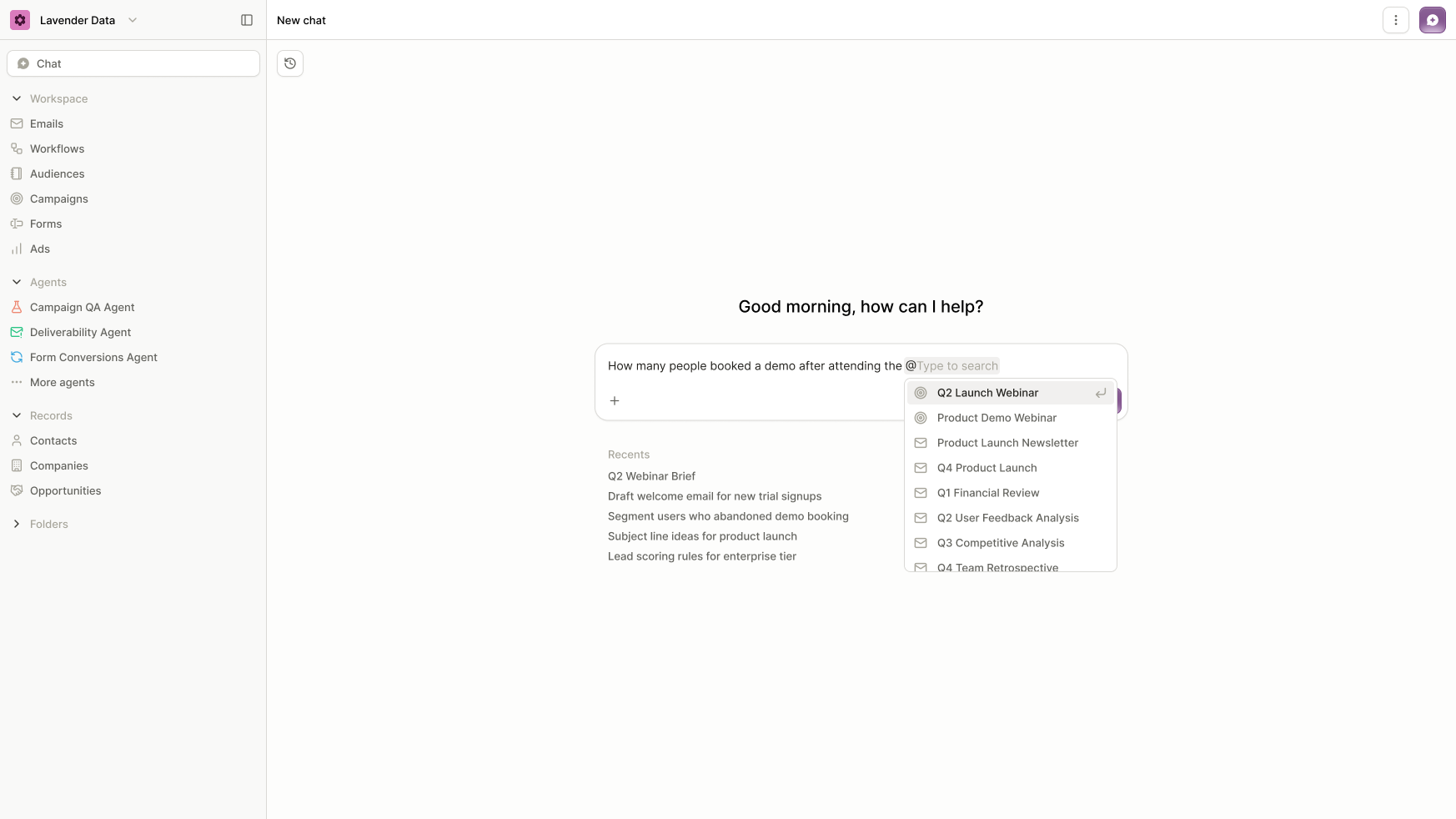
AI Chat runs against your real workspace now. It knows your objects, fields, campaigns, and audiences without being
told, so a question like which segments have not been emailed in thirty days does not start with explaining your schema.
Business context
Context is loaded per workspace and held across a conversation. Chat keeps track of your data model through a long
exchange rather than losing it partway.
Thinking mode
Longer questions return a visible reasoning trace before the answer. This matters most for trust: when chat reports that
a segment holds four thousand contacts, you can see how it got there instead of re-deriving it.
Statements on analytics
Segment evaluation moved onto the analytics engine. Audience counts on large workspaces return in seconds.
Improvements
Audiences An email link clicked statement can specify which link was clicked, not only that some link was.
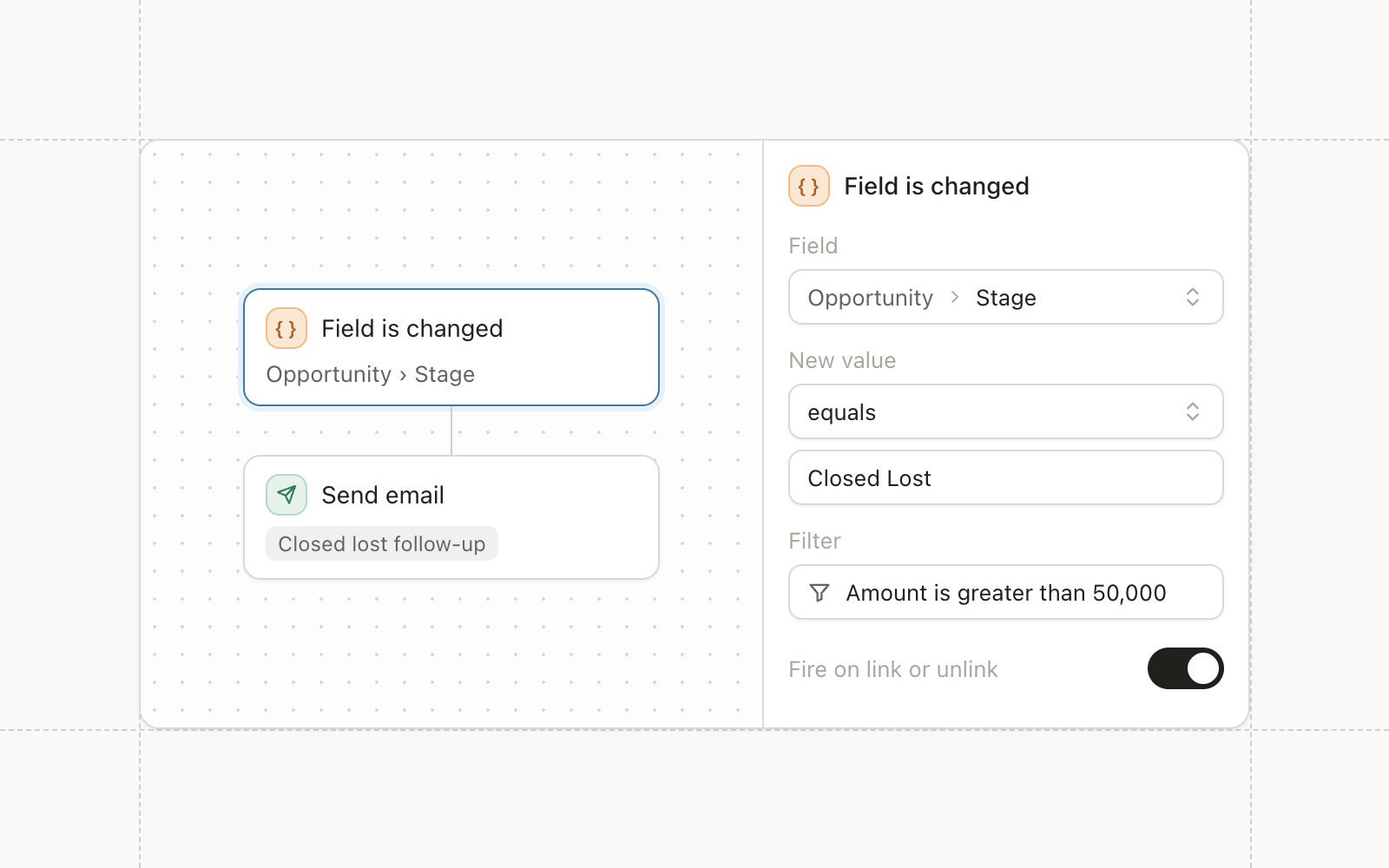
Automations Workflow triggers can filter on event content, and that context carries to later steps in the run.
Email Data fields in statement events and utm_content are both exposed to Liquid.
Forms A toggle controls whether a form creates a new contact for a unique email or deduplicates against an
existing one.
Admin Permissions separate members from administrators, so someone can build without being able to reconfigure the
Salesforce connection.
You can now send events into Conversion from your product, your billing system, or a script, and trigger a workflow on
them. The same events are available to segmentation and to Liquid, so a signal that starts a run can also personalize
what the run sends.
Custom events
Events arrive through a batch upsert endpoint and appear as engagements on the contact timeline. Payloads support JSON
dot notation, so a nested field in the event body can be referenced directly in a statement.
API trigger workflows
A workflow can start from an API call rather than only from a contact-side event. The trigger context is exposed to
Liquid inside the workflow, which makes the data that started the run available to every step in it.
CSV Uploads v2
CSV import was rebuilt. Batches run in parallel, the job sends heartbeats so a long import no longer looks stalled, and
column headers are detected rather than assumed.
Improvements
Automations New workflow nodes for creating a task, assigning to a queue, and linking to a campaign.
Automations A validation endpoint catches broken configuration before a workflow goes live.
Data Model Contact variable change events fire on update, so a workflow can react to a field changing instead of
polling for it.
Email A recipient allowlist restricts who a workspace can send to, which is what teams want while testing.
Admin OAuth errors for Salesforce and Slack surface what went wrong instead of failing quietly.
Admin Default views are configurable per workspace.
Warehouse queries can now be previewed before they run. You write the query, see the rows it returns, and then decide
whether to sync, which turns a slow feedback loop into an immediate one.
Warehouse query preview
Results come back in the builder. Warehouse pages are split into work units and fetches are cached, so a preview against
a large table returns rather than timing out.
Public API v2
Contacts move to v2, with cursor pagination and a cleaner response shape. An endpoint for external field schemas lets an
integration discover what fields exist instead of hard-coding them.
Rate limits are tracked per workspace and returned on every response.
Form identity resolution
Form submissions resolve to an existing contact more reliably. The same person filling out two different forms produces
one contact rather than two.
Improvements
Campaigns Campaign members can be exported, and campaign member CSV upload supports Liquid fields.
Email Preview renders upversioned content, so what you see matches what sends.
Data Model Bot detection tightened from a ten second click window to five, which cuts false positives from
scanners without discarding real early clicks.
Data Model Contact engagement moved to v3, and repeated engagements of the same type are kept rather than
collapsed.
CRM Sync Salesforce org API limits are cached and exposed through an endpoint, so you can see how close a sync is
to your org’s daily quota.
Fixes
Automations Retries are slower and more numerous, which resolves runs killed by a transient Salesforce error.
Data Model Event ordering uses the message timestamp rather than processing time, so events stay in sequence under
load.
You can now connect Snowflake or BigQuery and sync warehouse data onto contacts and companies. The pipeline runs end to
end, and each stage reports separately, so a slow sync tells you which stage is slow.
Warehouse integrations
Snowflake and BigQuery authenticate through the warehouse API. A sync is its own resource with its own configuration and
run history, and the extract, transform, and load stages are observable independently.
A deeper object model
Object definitions and the relationships between them moved onto a new schema this month. The practical effect is deeper
relationship modelling between custom objects and the built-in ones, and faster reads when a segment traverses several
of them.
Salesforce syncer v3
The syncer was rewritten. Validation now happens before records are pushed rather than after they fail, and OAuth errors
come back with the provider’s error code instead of a generic redirect.
Improvements
Email A tracking domain can be set up before the base domain is verified, which unblocks the slowest step in
onboarding.
Email Email events flow through the event pipeline, so engagement reaches segmentation faster.
Email A validate endpoint for Liquid catches template errors before a send rather than during one.
Audiences Stored statements convert to SOQL, which is what makes Salesforce-side evaluation possible.
Audiences Audiences sync on a schedule rather than only on demand.
Integrations LinkedIn ad audiences are available through external endpoints.
Data Model Bot activity is included in email events so it can be filtered rather than silently dropped.
Fixes
Audiences Null values sort last consistently.
Forms Submissions from untracked forms are marked not found instead of returning an error.
CRM Sync Empty values are allowed where Salesforce permits them.
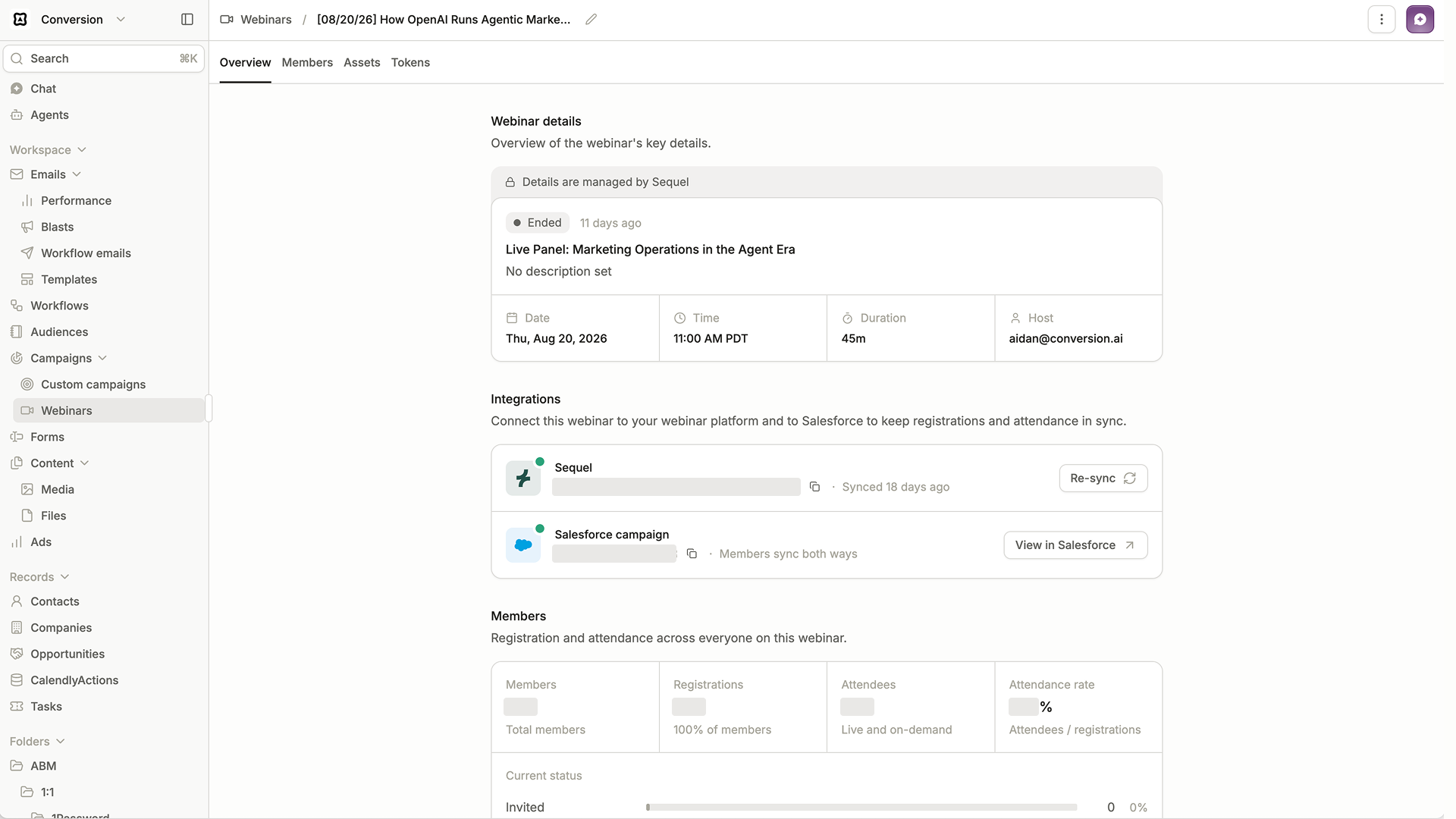
Campaign members now sync in both directions with Salesforce. A status change made in either system appears in the other
on the next sync, so nobody has to export a list to reconcile the two.
Bidirectional campaign member sync
Creates, updates, and deletes all move through the syncer. Campaign member fields are available in Liquid, so an email
can personalize on where someone sits in a campaign.
Linking an existing Salesforce campaign to a Conversion campaign preserves the membership already on it. You no longer
rebuild it from scratch.
Opportunities across the data model
Opportunities and opportunity contact roles are real objects now, with their own schema, default variables, and
relationship endpoints to contacts and companies. Segmentation and reporting can reference pipeline directly rather than
through a workaround.
Deletions propagate. An opportunity removed in Salesforce is removed in Conversion.
Sync logs
Every sync run now writes a log you can open. When a record fails, the reason is on the record instead of somewhere in a
batch summary.
Improvements
Email One-click unsubscribe is on for every workspace, and the flag that gated it is gone.
Email Operational email can send without an unsubscribe link, which is what compliance teams expect for
transactional messages.
Data Model Communication limits apply per recipient email rather than per contact record.
Campaigns Duplicating a campaign brings its assets with it.
Audiences Statement evaluation moved off the legacy engine, and the old path is deprecated.
Fixes
Campaigns Deleting a campaign member uses the member id rather than matching on contact, so the wrong record is no
longer removed when a contact appears twice.
CRM Sync Contacts missing fields Salesforce requires are filtered out before the create attempt instead of failing
the batch.
CRM Sync All fields are written to the field map when unmarshalling contacts, leads, and accounts.